The Power of SVG in Web Design
Published on October 6, 2026 • 6 min read
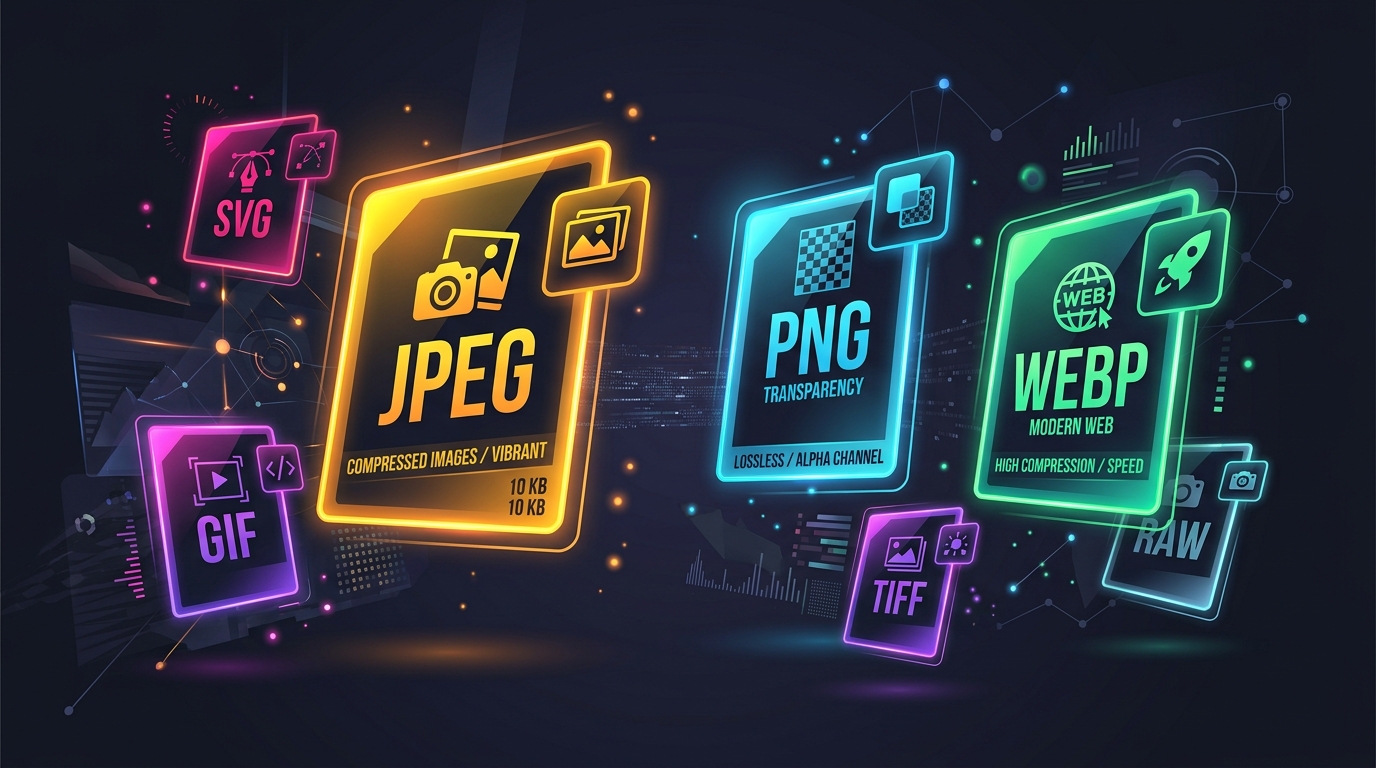
For years, web designers relied on JPEGs and PNGs to build user interfaces. If you needed a magnifying glass icon for a search bar, you created a small transparent PNG and embedded it in the HTML. But when high-resolution "Retina" screens hit the market, these pixel-based icons instantly looked blurry and unprofessional.
The solution to this problem was a format that had been ignored for over a decade: **SVG (Scalable Vector Graphics)**.
Math, Not Pixels
A JPEG is a raster image. It is fundamentally a massive grid of thousands of tiny colored squares (pixels). If you zoom in on a JPEG, those squares become larger and more obvious, ruining the image quality.
An SVG is a vector image. It contains zero pixels. Instead, an SVG is essentially a text file filled with XML code. This code provides mathematical instructions to the browser. It says, "Draw a perfect circle here, fill it with the hex color #FF0000, and draw a line through it."
Infinite Scalability
Because an SVG is just a mathematical formula, it is completely independent of resolution.
You can display an SVG company logo at 16x16 pixels in a browser tab, and it will look perfectly sharp. You can take that exact same file, with zero modifications, and print it on a 50-foot highway billboard, and it will still be mathematically perfect without a single jagged edge.
Incredible Performance
Because SVGs are just text, their file sizes are microscopic compared to raster images. A complex illustration exported as a PNG might weigh 2 Megabytes. That exact same illustration exported as an SVG might only weigh 20 Kilobytes.
By replacing UI icons, logos, and hero illustrations with SVGs, developers can shave massive amounts of weight off their web pages, leading to faster load times and higher SEO rankings.
Programmable Graphics
The most mind-blowing aspect of an SVG is that because it is written in XML, it natively interacts with the Document Object Model (DOM).
This means you can style the inside of an image using standard CSS! If you have a black SVG icon, you can write a CSS rule that changes the `fill` color to blue when a user hovers their mouse over it. You can even use JavaScript to target specific shapes inside the SVG and animate them independently.
When NOT to use SVG
While SVGs are incredible for logos, icons, and geometric illustrations, they are completely useless for complex photography. You cannot represent the millions of chaotic, organic colors of a portrait photo using mathematical curves. For photography, always stick to highly optimized JPEGs or modern WebP files.