Understanding Image Formats: JPEG, PNG, and WebP
Published on October 6, 2026 • 5 min read
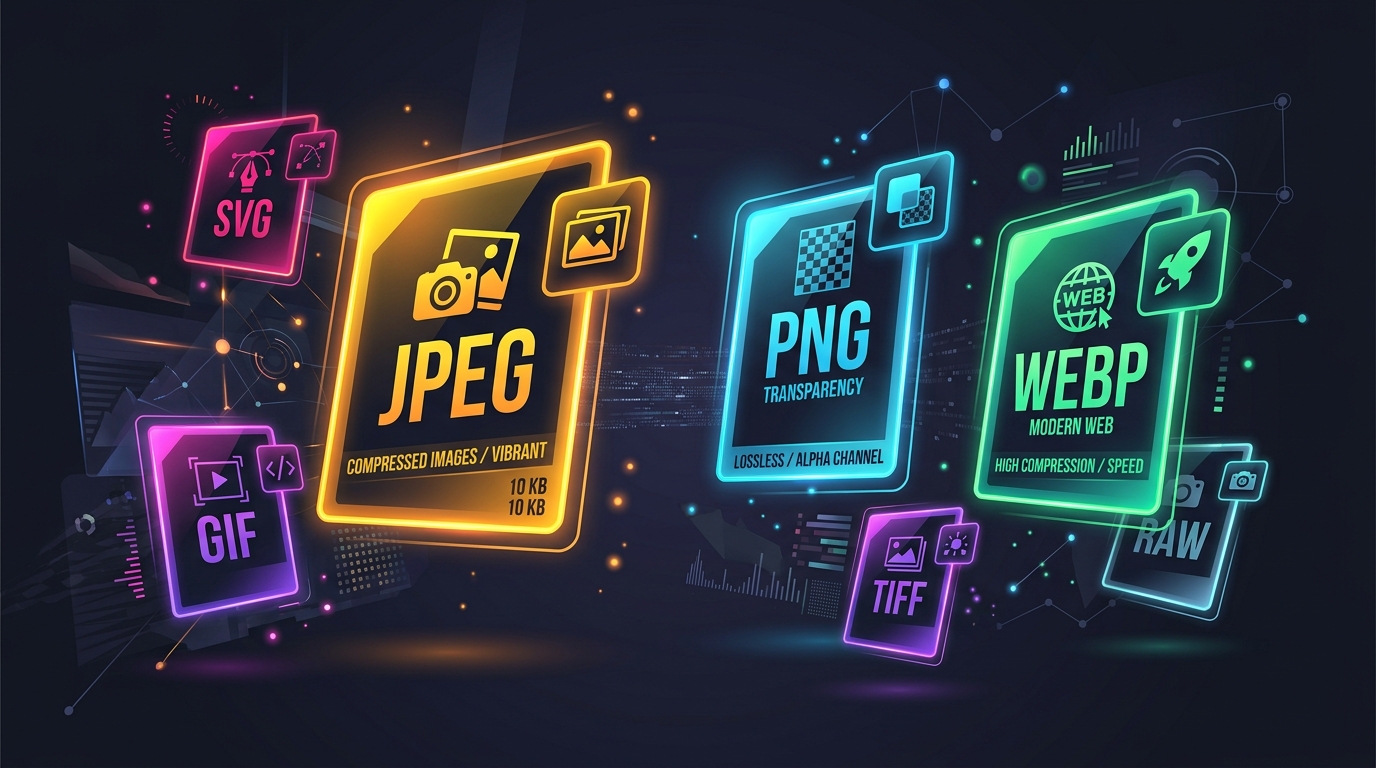
Whether you are a web developer, a graphic designer, or just someone trying to upload a profile picture, you've probably encountered the alphabet soup of image formats. But what is the actual difference between a JPEG, a PNG, and a WebP?
JPEG (Joint Photographic Experts Group)
JPEG is the most common image format on the internet, and for good reason. It uses "lossy" compression, meaning it permanently discards some visual information to achieve significantly smaller file sizes.
- Best for: Complex photographs, detailed graphics with millions of colors, and hero images on websites.
- Pros: Excellent compression, universally supported by every device and browser.
- Cons: Does not support transparency (no clear backgrounds). Hard edges and text can look blurry or pixelated (artifacting).
PNG (Portable Network Graphics)
PNG was created to improve upon the older GIF format. It uses "lossless" compression, meaning no data is lost when the image is saved. It looks exactly like the original.
- Best for: Logos, icons, charts, screenshots, and images that require a transparent background.
- Pros: Supports full alpha-channel transparency. Text and lines remain razor-sharp.
- Cons: File sizes can be massive, especially for complex photographs. This can severely slow down your website.
WebP
WebP is a modern image format developed by Google. It was designed to replace both JPEG and PNG by offering superior compression without sacrificing quality.
- Best for: Almost all web graphics. It is the modern standard for fast-loading websites.
- Pros: Supports both lossy and lossless compression. Supports transparency. Files are typically 25% to 35% smaller than equivalent JPEGs or PNGs.
- Cons: While supported by all modern browsers, very old legacy software might struggle to open WebP files natively on your desktop.
How to Choose?
If you are building a website today, you should strive to use WebP wherever possible to guarantee fast load times. If you are sharing photos with friends or clients, JPEG remains the safest, most compatible choice. If you are designing a logo with a clear background, stick to PNG (or SVG).
You can easily convert between all of these formats instantly using our free, browser-based Image Converter tool right here on TelugupalakaAI.